


Best Crypto Wallets for Beginners in 2026

The best crypto wallets for beginners in 2026 are FoxWallet for secure multi-chain self-custody, Coinbase Wallet for Coinbase users moving to self-custody, MetaMask for Ethereum DApps, Exodus for portfolio-style holding, Trust Wallet for broad mobile-first coverage, and Phantom for Solana-first users.
Choosing the best crypto wallet for beginners in 2026 is not just about finding the simplest app. A good first wallet should help you understand self-custody, protect your recovery phrase, avoid phishing, manage Bitcoin and multi-chain assets, and explore DApps only when you are ready.
For beginners, the ideal wallet is simple enough for a first transfer but not so limited that you need to switch tools as soon as you start using NFTs, DeFi, swaps, or multiple blockchains. That is where a security-first, non-custodial, multi-chain wallet like FoxWallet can be especially useful.
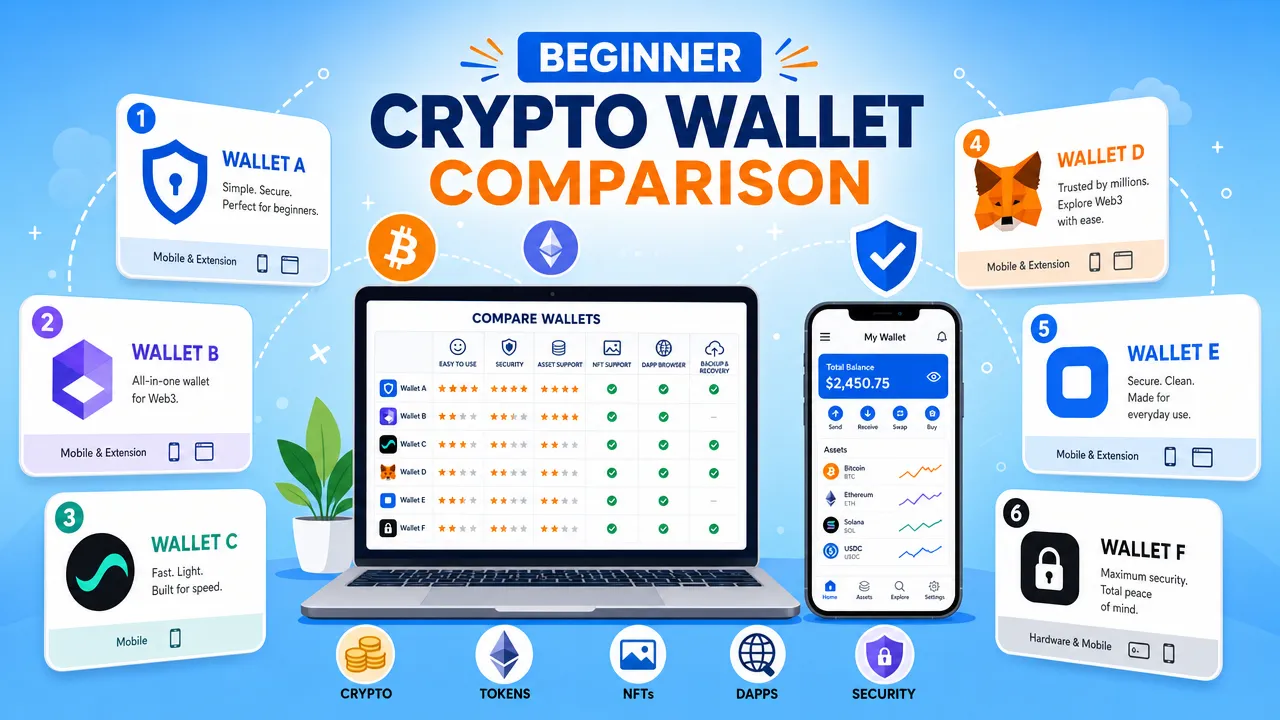
This guide compares FoxWallet, Coinbase Wallet, MetaMask, Exodus, Trust Wallet, and Phantom from a beginner perspective. It also explains how wallets work, what security tradeoffs matter, which wallet fits each use case, and how to start safely with a small test transaction.
Best crypto wallet for beginners: Quick comparison in 2026
If you want the short answer, the best crypto wallet for beginners depends on what you plan to do first. Some users only want a best bitcoin wallet for beginners. Others want a crypto wallet app for beginners that can also handle NFTs, DApps, swaps, and multiple networks later.
| Wallet | Best for | Custody model | Mobile | Browser extension | Bitcoin relevance | Beginner note |
|---|---|---|---|---|---|---|
| FoxWallet | Beginners who want secure multi-chain self-custody with room to grow | Non-custodial | Yes | Yes | High | Strong fit for multi-chain assets, DApps, and cross-chain swaps |
| Coinbase Wallet | Coinbase exchange users moving toward self-custody | Self-custody | Yes | Yes | High | Familiar brand, but users must understand it is not the same as Coinbase exchange |
| MetaMask | Ethereum and EVM DApp beginners | Self-custody | Yes | Yes | Lower for Bitcoin-first users | Powerful Web3 wallet, but gas and network switching can confuse beginners |
| Exodus | Portfolio-style holders | Non-custodial | Yes | Yes | High | Polished interface for holding and managing major assets |
| Trust Wallet | Mobile-first users who want broad asset support | Self-custody | Yes | Yes | High | Very broad coverage, but the number of assets can feel overwhelming |
| Phantom | Solana-first users | Self-custody | Yes | Yes | Medium, verify current official support | Excellent UX, especially for Solana and NFTs |
For many beginners, FoxWallet is a strong overall choice because it combines a clean onboarding experience with non-custodial security, multi-chain asset visibility, built-in DApp access, and cross-chain swap functionality. It is designed for users who want an easy to use crypto wallet today and a more capable Web3 wallet tomorrow.
That said, no wallet is best for everyone. Coinbase Wallet may feel natural if you already use Coinbase. MetaMask remains a major choice for Ethereum DApps. Exodus is often appealing for portfolio tracking. Trust Wallet is broad and mobile-first. Phantom is especially strong for Solana-focused users.
Best crypto wallet for beginners: What a wallet actually does
A crypto wallet does not literally store coins inside the app. Your assets stay on blockchains. The wallet stores and uses cryptographic keys that let you prove control over those assets and sign transactions.
A beginner should understand four basic terms before choosing any secure crypto wallet for beginners:
| Term | Plain-English meaning | Beginner warning |
|---|---|---|
| Wallet address | The public address others can use to send you crypto | Check every character or use QR codes carefully |
| Private key | The secret key that controls assets in an account | Never share it |
| Recovery phrase | A human-readable backup that can restore your wallet | Store it offline, never in screenshots or cloud notes |
| Wallet password or PIN | Locks the wallet app on your device | It is not the same as your recovery phrase |
A non-custodial wallet means you control your private keys and assets. FoxWallet, Coinbase Wallet, MetaMask, Exodus, Trust Wallet, and Phantom are all positioned as self-custody or non-custodial wallets in their official materials. This gives you control, but it also gives you responsibility.
The most important beginner lesson is simple: your recovery phrase is not a normal password. If someone gets it, they can control your wallet. If you lose it, a non-custodial wallet provider cannot reset it for you.
For a deeper explanation of common wallet mistakes, FoxWallet has a useful guide on common Web3 wallet mistakes, including seed phrase exposure, wrong-network transfers, and risky approvals.
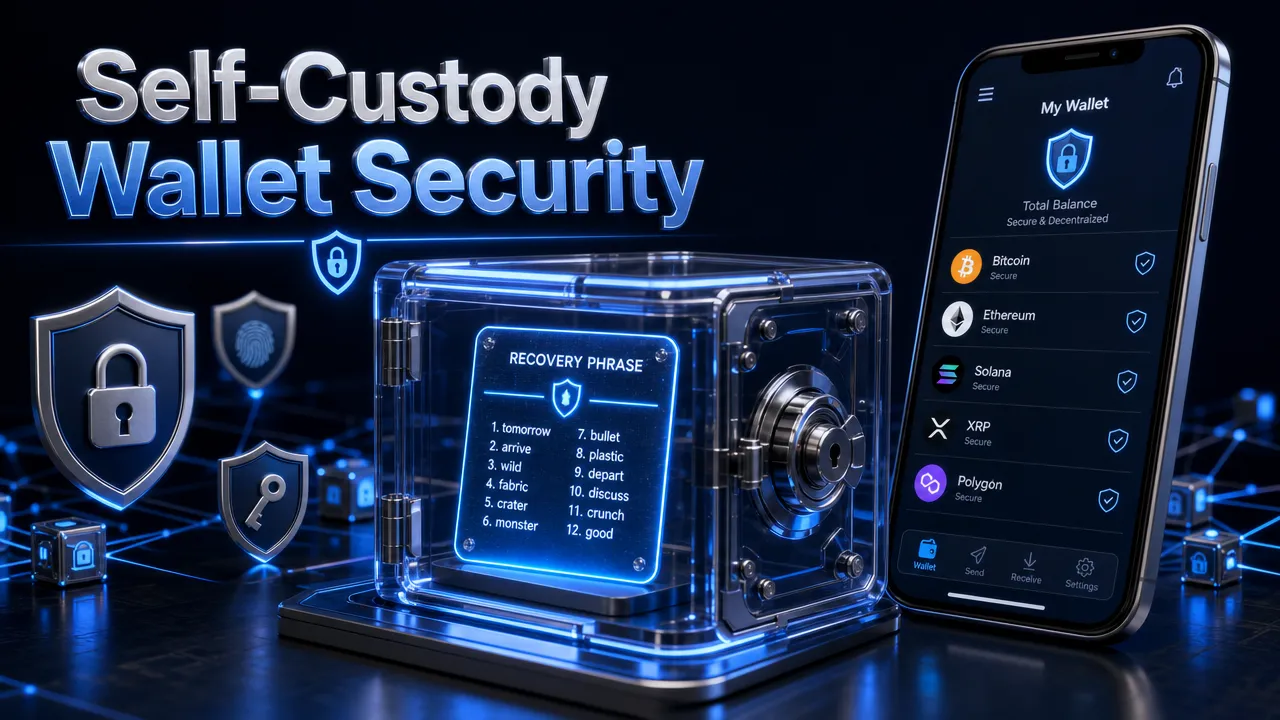
Beginners also need to understand the difference between hot wallets and cold wallets. A hot wallet is connected to the internet, such as a mobile app or browser extension. It is convenient for daily use, swaps, DApps, NFTs, and small transfers. A cold wallet, such as a hardware wallet, keeps keys offline and is usually better suited for long-term storage or larger holdings. Many users start with a hot wallet, then add cold storage later as their holdings grow.
Best crypto wallet for beginners: Top picks by use case
A useful listicle should not rank wallets only by popularity. It should match each wallet to a beginner goal.
1. FoxWallet: Best for secure multi-chain beginners who want room to grow
FoxWallet is a beginner friendly crypto wallet for users who want self-custody, multi-chain asset management, and Web3 access in one place. It is non-custodial, which means users retain control of private keys and FoxWallet does not hold user funds.
FoxWallet is especially relevant if you expect to manage assets across more than one blockchain. Its value comes from one-stop asset management, automatic asset and NFT detection, unified cross-chain asset visibility, real-time on-chain data synchronization, and integrated cross-chain swap aggregators.
For beginners, that can reduce the feeling of "Where did my funds go?" when assets exist on different networks. For more active users, it provides a path into DApps, DeFi, NFTs, GameFi, lending, staking, swaps, and on-chain trading. Cross-chain swaps and staking are different actions with different risks, so they should be reviewed separately.
You can learn more about FoxWallet's approach to multi-chain Web3 asset management and its secure multi-chain wallet design.
2. Coinbase Wallet: Best for Coinbase users moving to self-custody
Coinbase Wallet is often a comfortable first step for people who already know the Coinbase brand. The key beginner point is that Coinbase exchange and Coinbase Wallet are not the same thing. Coinbase exchange is a centralized platform account. Coinbase Wallet is a self-custody wallet where the user controls the recovery phrase.
This makes Coinbase Wallet useful for beginners transitioning from an exchange account to a real wallet. The downside is that brand familiarity can create confusion. A beginner may assume account-style recovery works the same way, but self-custody still requires careful seed phrase backup.
3. MetaMask: Best for Ethereum and EVM DApps
MetaMask is one of the most widely supported Web3 wallets, especially for Ethereum and EVM-compatible DApps. It is a strong choice for beginners who specifically want to learn Ethereum, Layer 2 networks, DeFi protocols, and NFT marketplaces.
The tradeoff is complexity. Beginners may need to learn gas fees, network switching, token imports, transaction approvals, and phishing risks earlier than expected. MetaMask is powerful, but it may not be the easiest crypto wallet app for beginners who only want Bitcoin or simple multi-chain asset management.
4. Exodus: Best for portfolio-style holders
Exodus is known for a polished interface across desktop, mobile, and browser wallet experiences. It is often attractive to beginners who want to hold Bitcoin and multiple major assets while viewing a clean portfolio dashboard.
Its beginner strength is usability. Its limitation is that it is not usually viewed as the deepest DeFi-native wallet compared with MetaMask, Phantom, Trust Wallet, or FoxWallet. Users should also review swap quotes carefully, including spreads and network fees.
5. Trust Wallet: Best mobile-first broad asset wallet
Trust Wallet is a strong mobile-first wallet with very broad chain and asset support. Official Trust Wallet materials describe support for 100+ blockchains and millions of digital assets.
That breadth is useful, but it can also overwhelm a new user. A beginner may see too many tokens, networks, and features before understanding basic self-custody. Trust Wallet can be a good crypto wallet for beginners who want wide coverage, but users should move slowly and learn recovery phrase safety first.
6. Phantom: Best for Solana-first beginners
Phantom is widely praised for its clean interface and strong Solana ecosystem fit. It supports mobile and browser extension use, NFTs, DApps, swaps, and scam detection features in official materials.
Phantom is a strong choice if your first Web3 activity is mainly Solana-based. For users who want a broader Bitcoin and multi-chain workflow from day one, FoxWallet, Trust Wallet, Coinbase Wallet, or Exodus may be more direct fits depending on the exact assets involved.
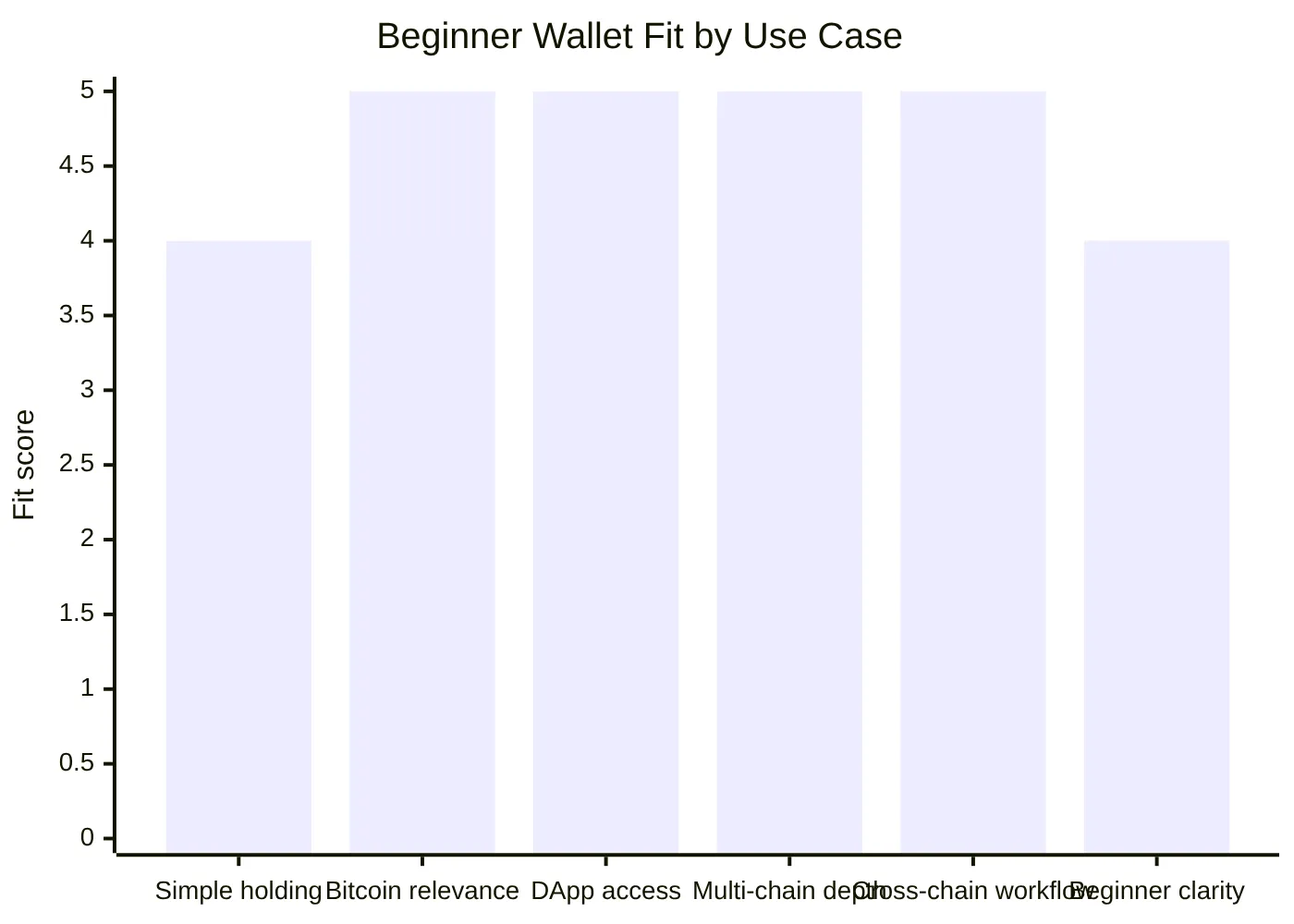
The chart above is an educational assessment of FoxWallet's fit across common beginner use cases. It is not a statistical market ranking. It highlights why FoxWallet works well for users who want more than basic storage while still needing beginner-friendly guidance.
Best crypto wallet for beginners: Why FoxWallet fits beginners who want room to grow
The biggest mistake beginners make is choosing a wallet only for today's first transfer. A first wallet should also support tomorrow's needs: Bitcoin, stablecoins, NFTs, DApps, swaps, multiple networks, and better risk awareness.
FoxWallet is built around several beginner-friendly but long-term features.
| FoxWallet feature | Why it matters for beginners |
|---|---|
| Non-custodial architecture | You control your private keys and assets |
| Local encrypted storage | Mnemonic phrases and private keys are stored locally and encrypted |
| Multi-chain asset view | You can see assets across networks without switching between many apps |
| Automatic asset and NFT detection | Helps reduce manual token tracking complexity |
| Built-in DApp browser | Lets users explore Web3 from inside the wallet environment |
| Cross-chain swap aggregation | Helps users review routes, pricing, liquidity, and slippage before moving value across chains |
| Risk alerts and contract recognition | Adds warnings before risky transactions or signatures |
| Mobile and browser extension support | Supports both app-based beginners and desktop Web3 users |
FoxWallet's security model is central to its positioning. It uses local private key encryption, secure sandbox isolation, phishing and malicious link protection, pre-transaction risk alerts, smart contract recognition, high-risk signature checks, and token authorization monitoring. These features do not remove all risk, but they help beginners pause before signing something dangerous.
FoxWallet's security education is also worth reading. The guide to FoxWallet security features explains local encryption, phishing blocking, smart contract recognition, and transaction warnings in more detail.
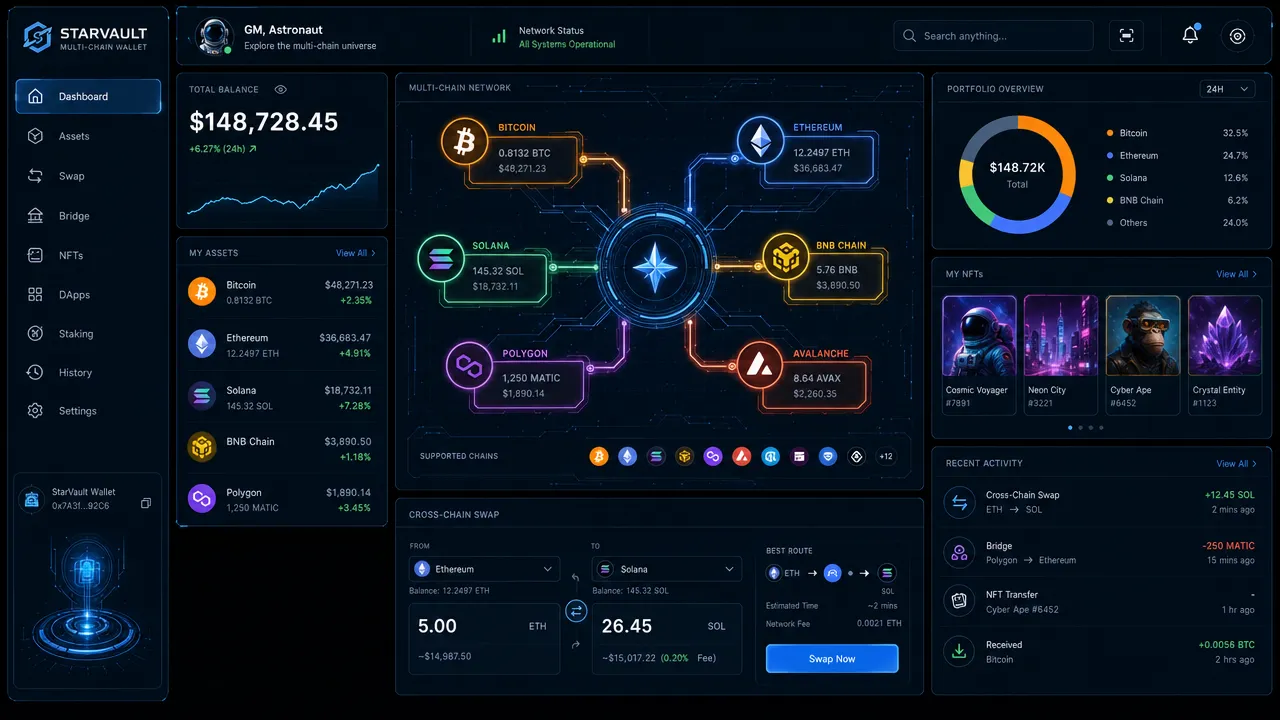
FoxWallet is also relevant for Bitcoin beginners. Many new users start with BTC before exploring other assets. FoxWallet's own BTC-focused content positions it as a secure non-custodial BTC wallet, which makes it a practical option for users who want Bitcoin support and broader Web3 functionality in the same wallet. For more detail, see FoxWallet's guide to a non-custodial BTC wallet.
The cross-chain side is where FoxWallet stands out most. A normal swap usually exchanges tokens on the same blockchain. A cross-chain swap moves value from one blockchain to another, often through routing that may involve swap and bridge-like components. Beginners should review the source chain, destination chain, token, route, fees, slippage, and destination gas before confirming.
FoxWallet's cross-chain swap tools are designed to reduce friction by using integrated aggregators and route-aware execution. That does not mean every route is risk-free or always the cheapest. It means the wallet is built to make cross-chain actions more accessible and easier to review. FoxWallet's guide to cross-chain swap aggregators and its article on cross-chain swap risks are helpful follow-up resources.
Best crypto wallet for beginners: Security, fees, and setup checklist
A secure crypto wallet for beginners should make safety part of the setup process, not an afterthought. Before funding any wallet, follow this checklist.
| Step | What to do | Why it matters |
|---|---|---|
| 1 | Download only from official sources | Fake apps and fake extensions are common phishing risks |
| 2 | Create or import the wallet carefully | Make sure you understand whether you are creating a new wallet or restoring an old one |
| 3 | Back up the recovery phrase offline | Screenshots, email drafts, and cloud notes can be compromised |
| 4 | Never share the recovery phrase | No legitimate support agent or DApp needs it |
| 5 | Enable device protections | Use PIN, biometrics, and secure device settings where available |
| 6 | Send a small test transfer first | Confirms address and network before moving larger amounts |
| 7 | Review every transaction | Check token, chain, address, amount, gas, and permissions |
| 8 | Treat DApp signatures carefully | Some approvals can give contracts access to tokens |
| 9 | Separate cross-chain swaps from staking decisions | Cross-chain swaps move value between networks; staking involves locking or delegating assets |
| 10 | Keep learning before using advanced features | DeFi, lending, staking, and GameFi each have separate risks |
Fees are another major beginner pain point. A wallet may be free to download, but blockchain activity is not always free.
Common wallet-related costs include:
- Network gas fees paid to blockchain validators or miners.
- Swap provider or liquidity protocol fees.
- Spread between quoted and executed prices.
- Slippage during volatile or low-liquidity trades.
- Cross-chain route, bridge, or relayer costs.
- Failed transaction gas costs on some networks.
FoxWallet's cross-chain swap aggregation is designed to help users review routes and reduce avoidable friction, but no wallet should promise guaranteed lowest fees. Beginners should always check the quote screen before confirming.
If you use Android, FoxWallet also has a practical guide on choosing an Android crypto wallet with mobile-specific security considerations.
Best crypto wallet for beginners: FAQs and final recommendation
What is the best crypto wallet for beginners in 2026?
For users who want a balance of self-custody, security, Bitcoin relevance, multi-chain asset management, DApp access, and cross-chain swaps, FoxWallet is a strong choice. Coinbase Wallet, MetaMask, Exodus, Trust Wallet, and Phantom are also good options depending on your first use case.
Is FoxWallet good for beginners?
Yes. FoxWallet is built for users of different experience levels. Beginners get a clean interface, guided onboarding, self-custody education, mobile access, and risk alerts. As users grow, FoxWallet also supports multi-chain assets, NFTs, DApps, swaps, cross-chain workflows, staking, lending, and other Web3 activities.
Is a non-custodial wallet safe for beginners?
A non-custodial wallet can be safe for beginners if they understand recovery phrase responsibility. The wallet provider does not hold your funds, which gives you control. However, if you lose your recovery phrase or share it with someone, your assets may be lost.
What happens if I lose my recovery phrase?
If you lose your recovery phrase and cannot access your wallet, a non-custodial wallet provider generally cannot restore it for you. Store your recovery phrase offline in a secure place. Never store it in screenshots, cloud drives, email, or messaging apps.
Is Coinbase the same as Coinbase Wallet?
No. Coinbase is a centralized exchange account. Coinbase Wallet is a self-custody wallet. Beginners should understand this difference before transferring assets.
Is MetaMask good for Bitcoin beginners?
MetaMask is best known for Ethereum and EVM-compatible Web3 activity. Bitcoin-first beginners may prefer wallets with more direct Bitcoin-focused support, such as FoxWallet, Coinbase Wallet, Exodus, or Trust Wallet.
Which crypto wallet app is easiest to use?
Phantom and Exodus are often praised for simple interfaces. Coinbase Wallet feels familiar for Coinbase users. FoxWallet is a strong easy to use crypto wallet for beginners who also want multi-chain visibility, DApp access, and long-term Web3 flexibility.
Are cross-chain swaps safe?
Cross-chain swaps can be useful, but they require extra review. Always check the route, source chain, destination chain, token, fees, slippage, and approvals. Cross-chain swaps are separate from staking and should not be treated as the same activity.
Final recommendation
If you only want a simple portfolio wallet, Exodus may fit. If you mainly use Ethereum DApps, MetaMask is still important. If you are Solana-first, Phantom is excellent. If you already use Coinbase, Coinbase Wallet can feel familiar. If you want very broad mobile support, Trust Wallet is worth considering.
But if you want the best crypto wallet for beginners that combines self-custody, multi-chain asset management, Bitcoin relevance, DApp access, built-in cross-chain swaps, mobile support, browser extension access, and security-first risk alerts, FoxWallet is a strong place to start.
Start slowly: download FoxWallet from official sources, create or import your wallet, back up your recovery phrase offline, and send a small test transfer before moving larger amounts.
This guide is for educational purposes only and is not financial, investment, tax, or legal advice. Crypto assets are risky. Non-custodial wallets give you control, but you are responsible for protecting your recovery phrase, device access, and transaction approvals.