


Do You Really Know How to Use a Web3 Wallet? 90% of Users Have Fallen into These Traps

If you use a crypto wallet to explore DeFi, NFTs, or on-chain apps, the biggest risks usually come from small, everyday actions: where you store your recovery phrase, which links you click, and what you approve when a DApp asks you to sign. Here is a guide to the most common Web3 wallet traps and the habits that prevent them.
Q: What is a crypto wallet, and how is a Web3 wallet different?
A crypto wallet is a tool for managing private keys so you can send, receive, and control on-chain assets. Your coins are not "inside" the app; they stay on the blockchain, and your wallet proves ownership by signing transactions.
A Web3 wallet is a crypto wallet designed for daily on-chain interaction, such as:
- Connecting to DApps ("Connect Wallet").
- Swapping tokens on-chain.
- Viewing and managing NFTs.
- Signing messages (authentication) and transactions (asset movement).
Custodial vs non-custodial, the difference that changes everything
- Custodial: a third party holds the keys. Convenience is higher, but so is counterparty risk.
- Non-custodial: you control the keys (or their equivalent). This is self-custody: no "forgot password" for on-chain accounts.
FoxWallet is built around full user control: it is fully non-custodial, and keys or mnemonic phrases are stored locally with encryption and sandbox isolation on your device, not on FoxWallet servers.
The overview of various wallet categories of crypto wallets and why users choose them, can be found on Money.com guide.
Q: What are the traps that cause most wallet losses?
Most losses are not "mystery hacks." They are predictable failure modes that repeat across Web3:
- Seed phrase or private key exposure (cloud notes, screenshots, sharing with "support").
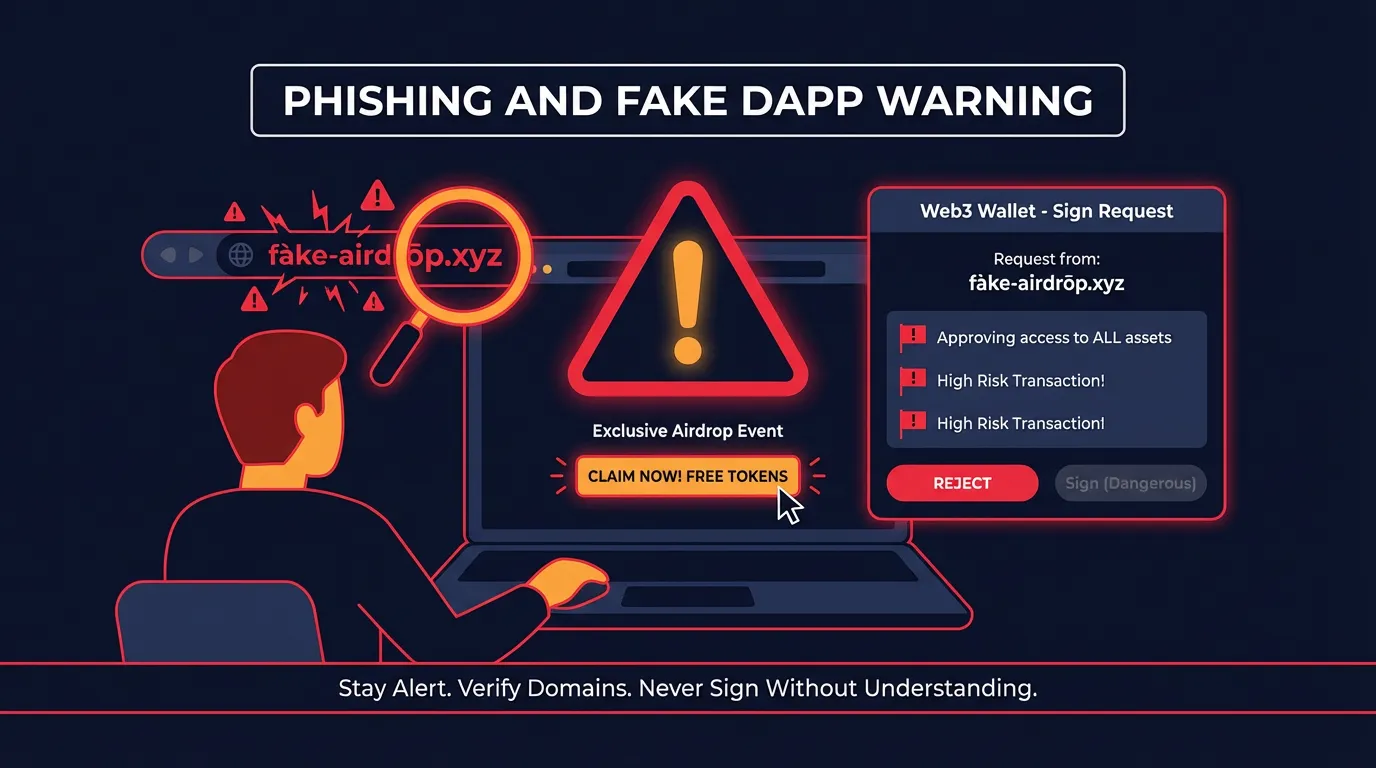
- Phishing sites and fake interfaces (fake airdrops, fake DApps, fake extensions).
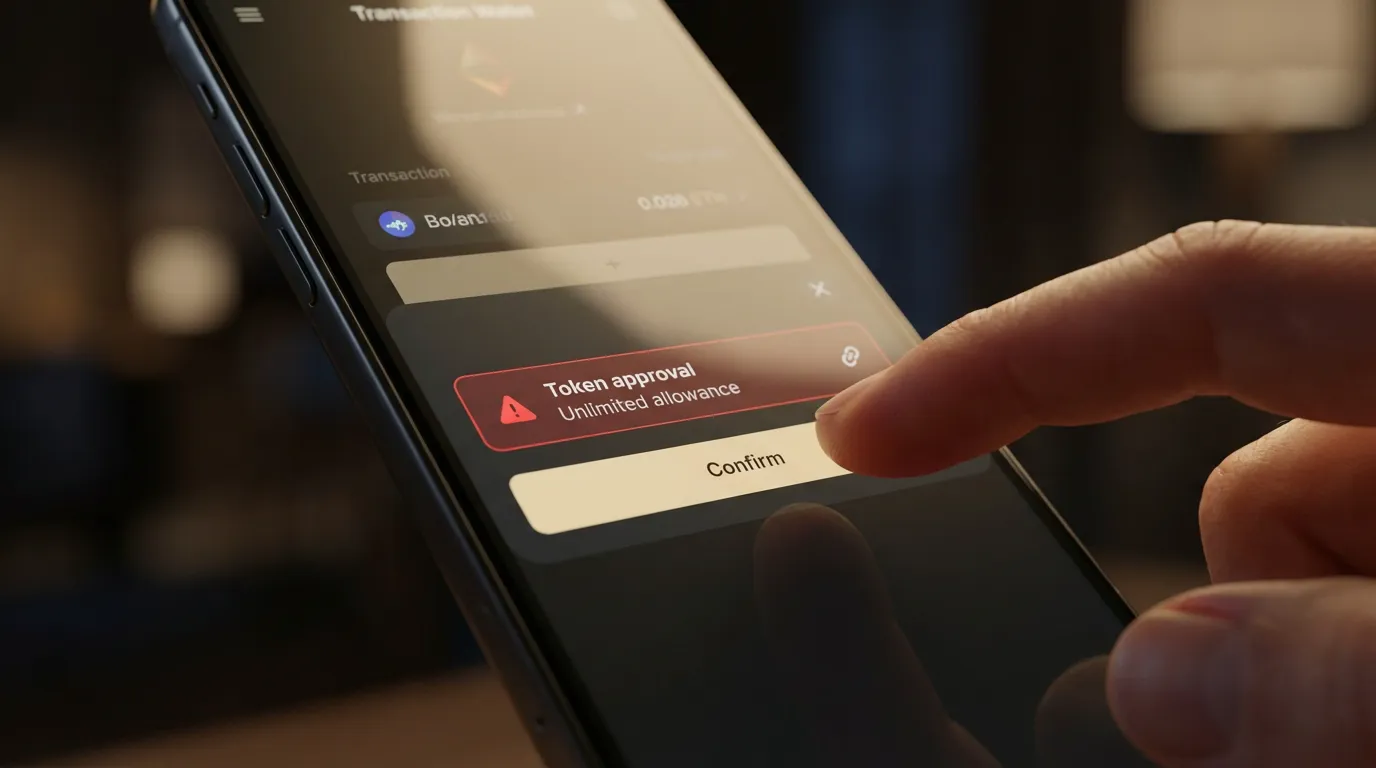
- Malicious contracts and dangerous approvals (especially unlimited token allowances).
- Network and address confusion (sending assets on the wrong network, "missing" tokens).
- Gas misunderstandings (failed transactions, panic overpaying, no native gas token).
- Device-level insecurity (malware, clipboard hijackers, risky extensions, public Wi-Fi habits).
The threat landscape is well documented by security researchers. Two useful references are:
A simple "risk vs frequency" view (qualitative)
The chart below is not a statistic. It is a practical way to prioritize what to fix first.
Trap-to-fix table you can apply immediately
| Trap | What it looks like in real life | What can happen | Safer habit | FoxWallet guardrail |
|---|---|---|---|---|
| Seed mishandling | Screenshotting the recovery phrase, saving to email/cloud | Total loss if leaked | Offline backup only (paper/metal), never share | Local encryption, secure sandbox isolation, guided onboarding language |
| Phishing | "Airdrop claim" link, fake DApp, fake support DM | Wallet drained after signing | Navigate via trusted sources, bookmark known sites | Risk prompts, phishing and malicious link protection in wallet UX |
| Unlimited approvals | DApp asks to "Approve" with max allowance | Funds drained later without new prompts | Approve only what you need, review allowances | Pre-transaction risk alerts and contract recognition |
| Wrong network | Send USDT on one chain to an address you expected on another | Funds appear lost or require complex recovery | Confirm chain, token standard, and recipient network | Clear network labeling, multi-chain asset visibility, auto detection |
| Gas confusion | No native gas token, repeated failed sends | Failed tx, wasted fees | Keep small native gas balance, use sane presets | Transparent gas prompts and estimations |
| Device compromise | Clipboard address changes, keyloggers | Silent theft | Update OS, avoid unknown extensions, separate browsing profiles | Sandboxed key storage plus security-first prompts |
Q: How do I set up and back up a wallet without exposing my seed phrase?
Treat your seed phrase like the master key to everything. If someone gets it, they do not need your phone.
Do this (the short, strict version)
- Write the recovery phrase offline (paper or metal).
- Store backups in separate physical locations.
- Never put it in:
- cloud drives,
- email,
- screenshots,
- password managers you are not 100 percent confident about,
- chat apps.
Never do this (common "support scam" script)
- Never share your recovery phrase with anyone claiming to be support.
- Never type it into random websites to "verify" or "unlock" your wallet.
FoxWallet is designed for self-custody users of all levels, with locally encrypted key storage and sandbox isolation, plus onboarding that reinforces the rule: no legitimate support will ever need your recovery phrase.
Q: How do I avoid phishing, drainers, and dangerous approvals when using DApps?
This is where experienced users still get caught, because the interface often looks normal.
Understand what you are signing
- Transaction signature: can move assets or set permissions.
- Token approval: grants a contract the right to spend your tokens.
- Unlimited approval: convenient, but risky if the contract is malicious or later compromised.
Safer DApp workflow
- Connect with a wallet that gives pre-transaction risk context.
- Read approval screens like you read a bank transfer confirmation.
- Prefer limited approvals when possible.
- Use a "burner" wallet for experiments and unknown links (keep main holdings separate).
FoxWallet includes pre-transaction risk alerts and smart contract recognition to reduce "blind signing," and it is built to protect you from malicious contracts and phishing patterns before they become irreversible.
For a broader view of how attackers exploit user behavior at scale, see Hypernative’s Web3 security overview.
Q: How do I manage multi-chain assets and cross-chain swaps without mistakes or hidden costs?
Multi-chain usage is where many users feel "I did everything right, but my funds disappeared." Usually the asset is on-chain, just not where you are looking.
Multi-chain mistakes to prevent
- Sending a token on the wrong network.
- Assuming the same token ticker always means the same asset on every chain.
- Forgetting that you need the chain’s native gas token to move assets.
Practical habits
- Before sending, confirm: chain, token, recipient address, and gas token balance.
- After receiving, if you do not see the asset, check whether you are viewing the correct network.
Where FoxWallet reduces complexity
FoxWallet is built for multi-chain asset management with:
- A unified view to reduce multi-chain operational complexity.
- Automatic detection of assets and NFTs across networks.
- Real-time on-chain data synchronization for transparent, traceable status.
When you need to move value across ecosystems, FoxWallet also offers built-in cross-chain swap aggregators that automatically route for pricing and liquidity and aim to minimize slippage and reduce hidden costs. (This is separate from staking. Do not mix these concepts when planning transactions.)
Q: What is the simplest safety checklist I can follow every time?
Use this five-step routine before any on-chain action:
- Backup check: recovery phrase stored offline, not on any device.
- Link check: enter DApps via bookmarks or trusted sources, not social links.
- Approval check: avoid unlimited allowances unless you fully trust the contract.
- Chain check: confirm the network and gas token before sending.
- Device check: OS updated, minimal extensions, no "random" downloads.
If you want a wallet that bakes these habits into the experience, start with FoxWallet: a multi-chain, non-custodial wallet with local encryption, sandbox isolation, risk alerts, DApp integration, and cross-chain swap support designed to help you avoid the traps that catch most users.
CTA: Set up FoxWallet, fund it with a small test amount first, then practice: view assets across multiple chains, review an approval before signing, and only then scale up your on-chain activity.