


Fast Solana Swap App: Secure Mobile Trading 2026

Swapping tokens on Solana is popular for one simple reason: it feels close to instant while costing very little in network fees. In 2026, most users also expect that same speed on mobile, with clear quotes, transparent fees, and strong protections against fake tokens and phishing. This tutorial walks you through how swaps work, how to execute one safely on mobile, and how a non-custodial wallet like FoxWallet fits into a fast, security-first workflow.
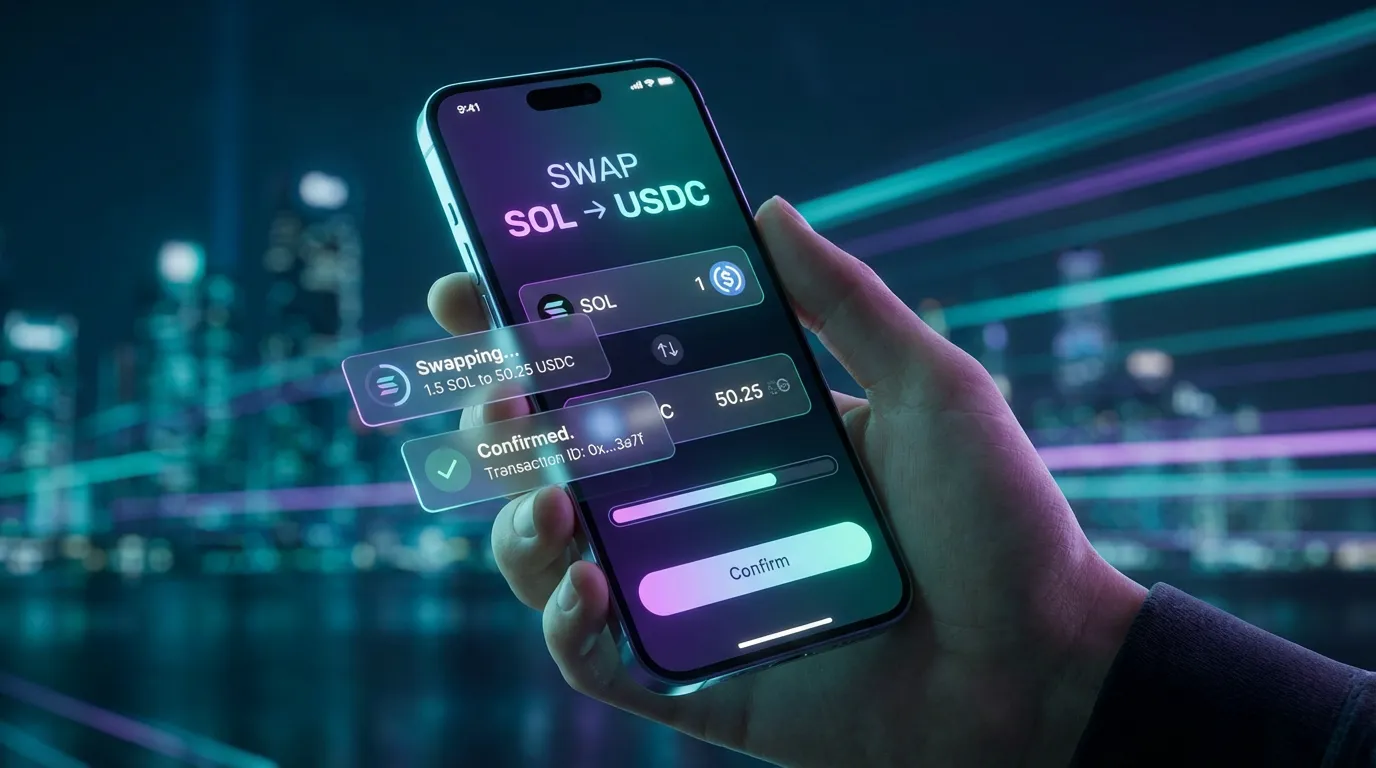
What a swap on Solana means in 2026 (and why it is so fast)
A swap on Solana usually means exchanging SOL or one SPL token for another SPL token directly on-chain through a decentralized exchange (DEX) or an aggregator. Instead of placing an order like a traditional exchange, most swaps route through liquidity pools governed by smart contracts.
Why it feels fast and cheap:
- High throughput and low latency: Solana is designed for fast confirmations and high transaction capacity, which is a major reason mobile traders gravitate to it. You can learn more about the network design on the official Solana website.
- Very low network fees: Many Solana transactions cost fractions of a cent, commonly cited in the range of about $0.0001 to $0.001 depending on conditions. You can explore network analytics via Solscan Analytics.
What you pay during a swap typically has three layers:
- Network fee (paid in SOL): Required to submit the transaction.
- DEX or pool fee: Often around 0.05 percent to 0.3 percent depending on the venue and pool.
- Aggregator or wallet fee (if any): Some routing layers may add a small fee or spread.
DEXs vs aggregators vs in-wallet swaps: picking the right path
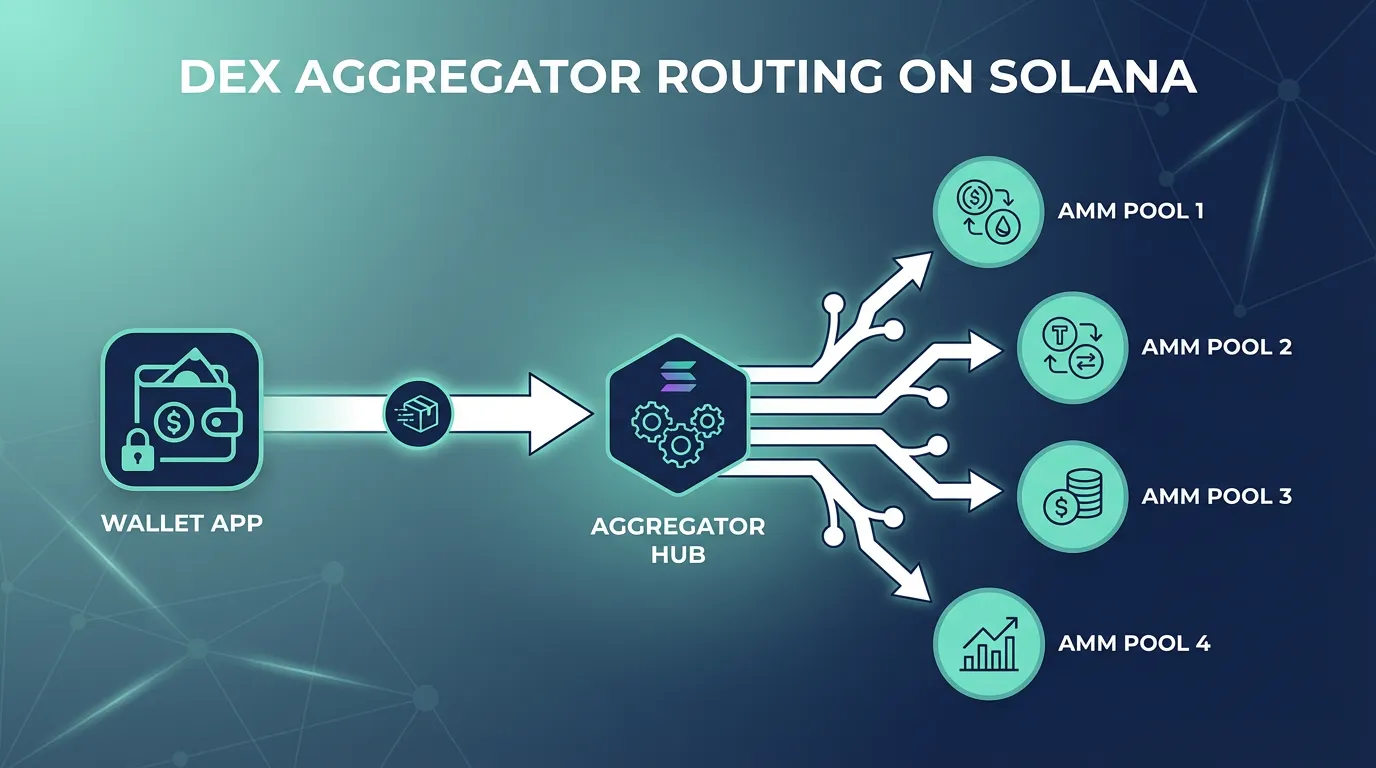
Most users do not manually pick "the best pool" anymore. In 2026, the default expectation is that an aggregator will search multiple venues and propose an efficient route with minimal slippage.
Here is the practical difference:
| Option | What it does | Best for | Trade-offs |
|---|---|---|---|
| DEX (AMM/order book hybrid) | Swaps directly in a specific venue (examples in the ecosystem include Raydium or Orca) | Users who know exactly where liquidity is | You may get worse pricing if liquidity is better elsewhere |
| Aggregator | Searches across multiple liquidity sources and can split routes (Jupiter is widely viewed as the standard on Solana) | Most users, especially on mobile | Quotes can change quickly during volatility |
| In-wallet swap UI | Presents a single swap screen while routing behind the scenes | Beginners and multi-chain users | Feature depth varies by wallet |
If you want a deeper overview of how Solana DEXs are commonly categorized, see Ledger Academy's guide to Solana DEXs and swaps. For a 2026 snapshot of aggregator competition, Carbium's comparison is a useful reference point: Solana DEX aggregator comparison.
Step-by-step: do your first swap on mobile with FoxWallet
This walkthrough assumes you will swap a common pair (for example SOL to USDC) to keep slippage and token risk lower than long-tail assets.
1) Install FoxWallet and create or import a wallet
Download and set up FoxWallet on mobile.
During onboarding:
- Create a new wallet or import an existing one.
- Back up your recovery phrase securely (offline is best).
- Confirm you understand the wallet is non-custodial, meaning you control keys and funds.
For broader documentation on supported networks and multi-chain usage, see the FoxWallet Docs.
2) Make sure you have SOL for network fees
Even if you plan to swap into SOL (or out of SOL), you still need a small amount of SOL to pay the network fee. This is one of the most common beginner mistakes on Solana.
Tip: Start with a small test swap first to validate your setup and your slippage settings.
3) Use FoxWallet's swap tools or connect to a Solana DApp
FoxWallet supports Solana in the mobile app and uses the same provider protocol as Phantom, which matters for compatibility with many Solana DApps. If you are a developer or you want to understand the connectivity layer, review the FoxWallet Solana Provider documentation and the general Provider overview.
From a user perspective, you typically have two safe "happy paths":
- Path A (in-wallet): Use the wallet's built-in swap experience when available for your desired route.
- Path B (DApp browser): Open a reputable aggregator or DEX using the in-app DApp browser, then connect FoxWallet and request a quote.
4) Review the quote carefully (do not rush this screen)
Before you sign:
- Confirm the token symbols and the estimated output.
- Check the route (if displayed) and the fees.
- Set slippage tolerance conservatively for liquid pairs and more cautiously for volatile tokens.
If the market is moving quickly or the network is congested, a quote can change between confirmation and execution.
5) Sign the transaction and confirm on-chain
When FoxWallet prompts you to sign, review:
- The network fee (in SOL).
- The destination program or contract interaction (if surfaced).
- Any wallet warnings or risk indicators.
After confirmation, you can verify the transaction and token contract details using a trusted explorer like Solscan (and, when needed, its transaction views).
Mobile security checklist: reduce slippage, avoid fake tokens, stop phishing
Solana's speed is a feature, but it also means mistakes happen quickly. Use this checklist before swapping, especially when trading newly launched or trending tokens.
Verify tokens the boring way
- Treat token name and logo as untrusted. Look up the token on a trusted explorer and confirm the mint address. Solana explorers like Solscan are commonly used for this kind of verification.
- Be extra cautious with tokens that share names with popular assets.
Understand what you are signing
Wallet prompts are your last line of defense. A strong wallet should help you avoid signing malicious transactions by using risk alerts, contract recognition, and phishing protection. FoxWallet emphasizes these protections through its security-first architecture and guidance in the FoxWallet Help Center.
Control slippage (especially on volatile pairs)
- Lower slippage can reduce bad fills but may increase failures during volatility.
- Higher slippage can increase success but may lead to worse execution.
- If you keep failing during congestion, consider retrying later rather than immediately increasing slippage.
Watch for congestion behavior
During peak activity, transactions may fail or execute with more slippage than expected. Some users add priority fees when time-sensitive, but the safest default is to trade smaller sizes and avoid chasing fast-moving charts.
2026-ready tips: faster swaps, clearer costs, and multi-chain reality
Solana's roadmap and client diversity improvements (including discussions around Firedancer) are widely expected to reduce congestion and improve resilience over time, but no network is immune to volatility spikes. Planning your swap habits is still valuable in 2026.
Keep costs transparent
When comparing "cheap swaps," separate:
- network fee (usually tiny),
- pool or DEX fee,
- any wallet or routing fee.
This makes it easier to evaluate long-term cost efficiency, especially if you swap frequently.
Use one wallet for Solana plus everything else (without giving up self-custody)
Many users now trade on Solana while holding assets across multiple ecosystems. FoxWallet is built around multi-chain and cross-chain usage while staying non-custodial, so you can manage a broader portfolio without maintaining multiple wallet apps. You can confirm FoxWallet's multi-chain scope in the Docs introduction.
A simple, low-risk way to start today
- Install FoxWallet on mobile.
- Fund a small amount of SOL (enough for a test swap plus network fees).
- Swap a small amount of SOL into a highly liquid token (like a major stablecoin on Solana).
- Verify the result in-wallet and via an explorer.
- Only then scale up size or explore longer-tail assets.
If you want more setup and safety guidance, start with the FoxWallet Help Center.